
​MIELE integration for X1 or L1

0,00 

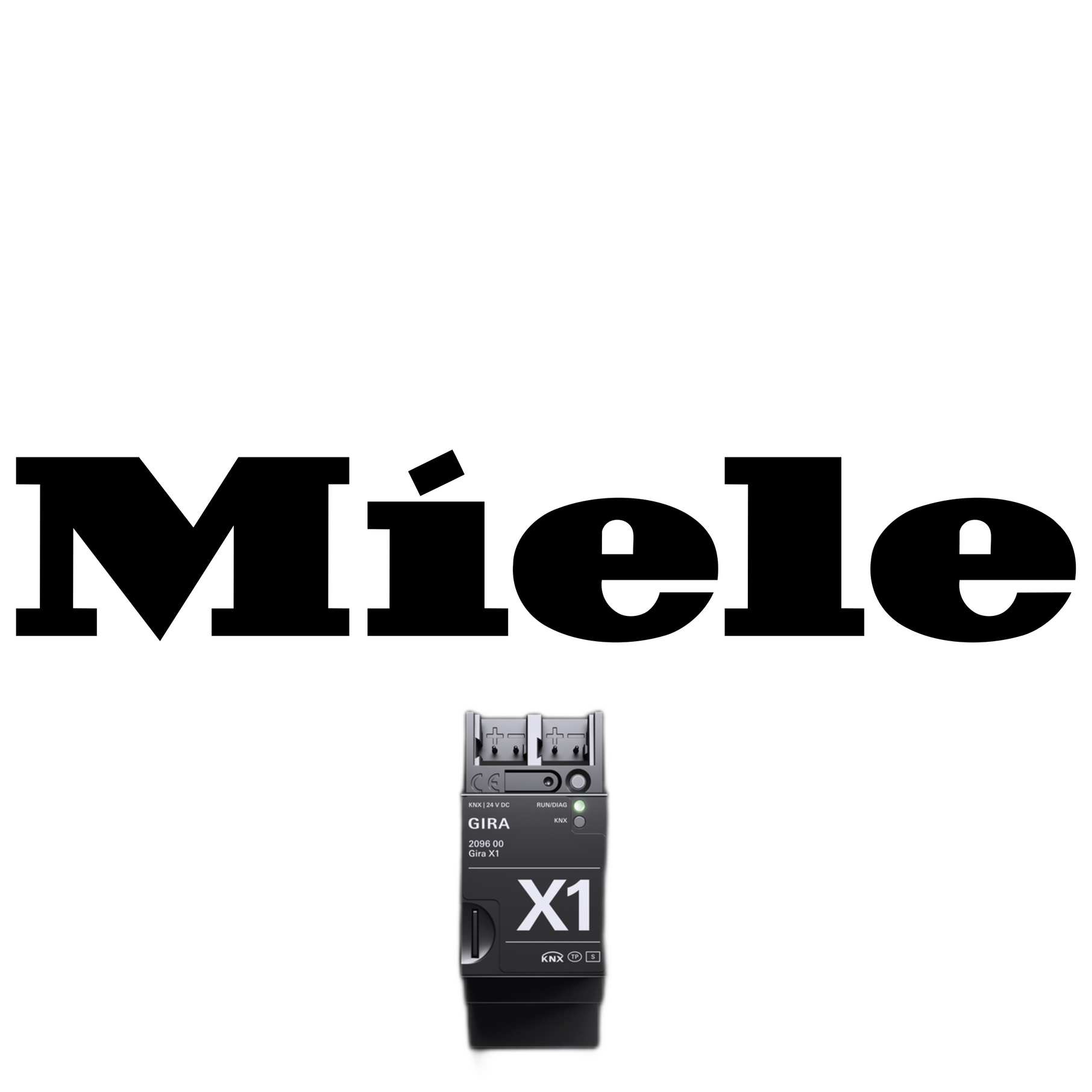
Full integration between MIELE and Gira!
There is now a complete Gira <—> MIELE integration, wether you have an X1, L1, Homeserver or FacilityServer (for Homeserver/Facilityserver see the other Logic Baustein).

Compatibility
Works fully with HTTPS/TLS (even on GPA 4.7 which doesn’t support TLS by default) and GPA 6.0.

Easy to configure
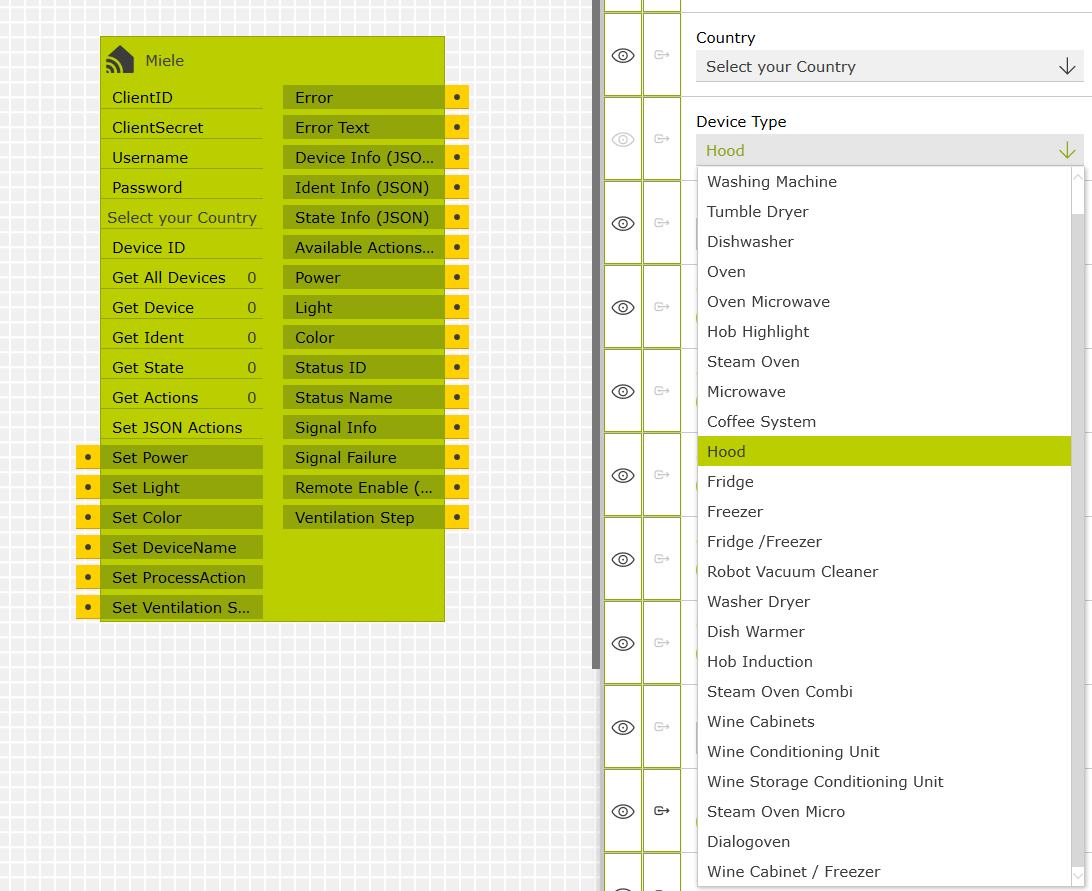
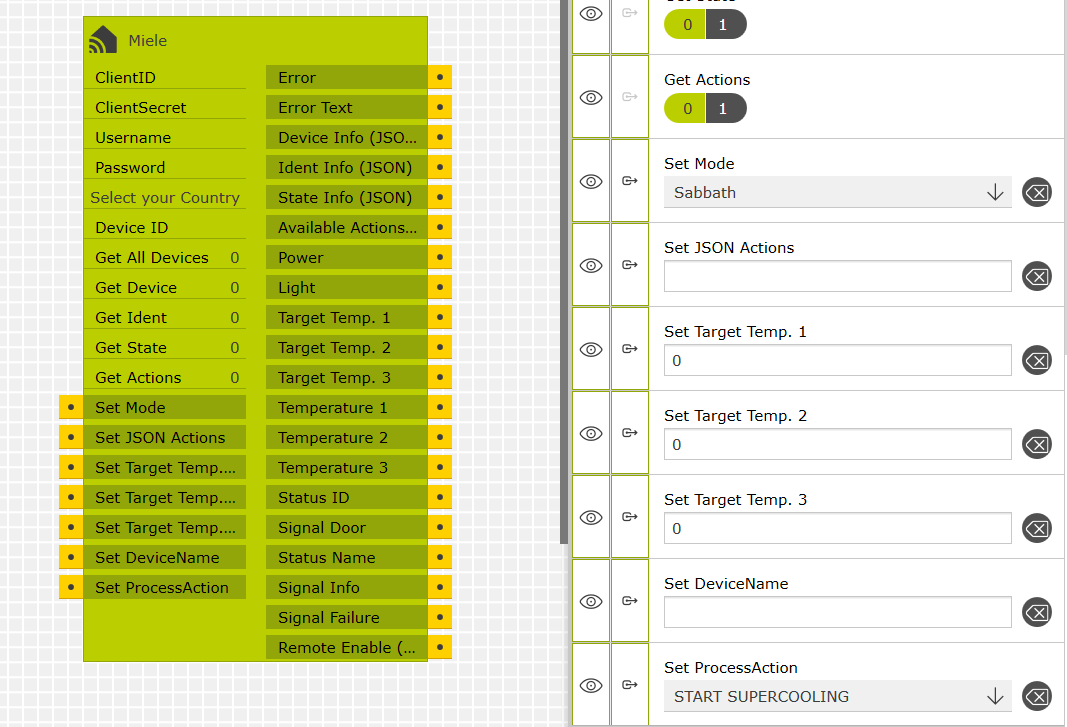
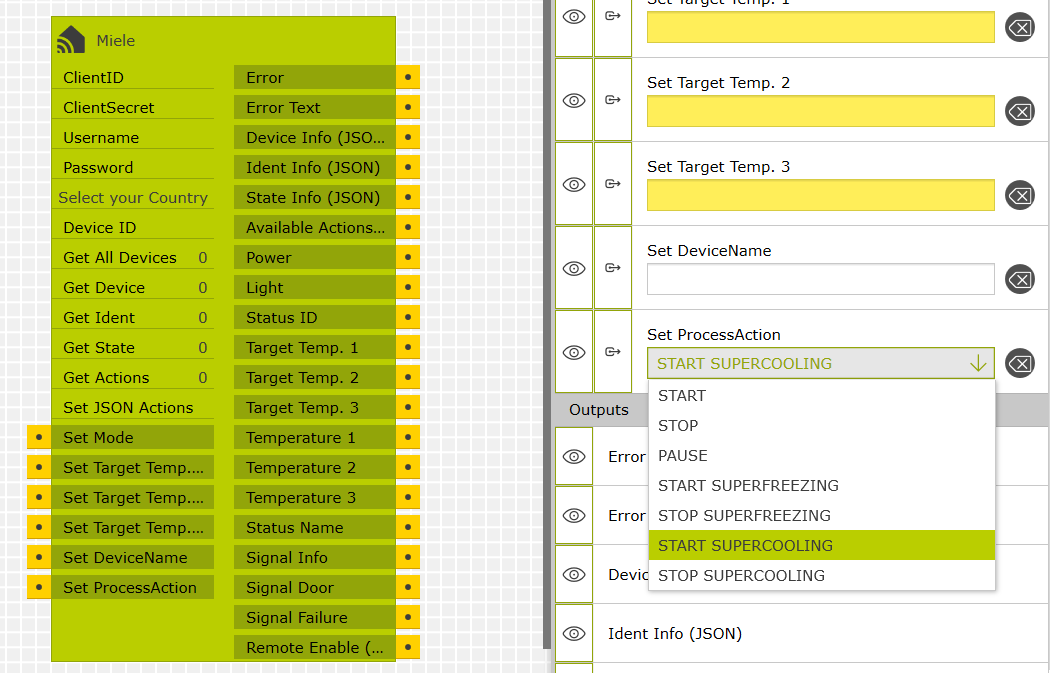
Set your device type and the module shows only the input/outputs valid for that device type.
There are multiple YouTube videos which show you how to configure several use cases.
Simple functions can be done easily using standard defined inputs, however, you can also set advanced options/actions via JSON.

Keep on with the latest version!
Since v0.2.x, automatic update notifications keep your system up to date, allowing direct downloads of new versions without visiting the store.


Examples

  • When leaving the house or before going to bed, switch off all Miele appliances with the „central off“ button.
  • Connect Miele appliances to a voice assistant such as Google Assistant or Alexa using this logic and control them with voice commands: „Switch on the dishwasher“ or „Switch on the cooker bonnet light“.
  • Synchronise the lights of e.g. wine air conditioners and coffee machines and integrate them into light scenes.
  • Display the remaining running time of the dishwasher or washing machine on the Gira G1.
  • Put the refrigerator in holiday mode when you go on holiday.
  • Automatically switch on Sabbath mode for the oven, using the timers in the Gira X1/L1.

When you downloaded the module, watch the following video of how to configure some of the above examples. The video shows you how to get your Authentication credentials from the Miele developer portal and test the module.

Compatible with GPA

>4.7, 6.0

Version

v0.2.x

Works with

Gira X1, Gira L1, MIELE appliances, MIELE Robot vacuum cleaners

Designed by

Roel Broersma

Rezensionen

Es gibt noch keine Rezensionen.

Nur angemeldete Kunden, die dieses Produkt gekauft haben, dürfen eine Rezension abgeben.

Warenkorb
Nach oben scrollen